At 7:45 AM, the office was unusually quiet when Amaka walked in.
As the database administrator for a growing e-commerce company, she was used to starting her day by checking system health reports.
But today was different.
Her phone had been buzzing all morning with alerts.
“Database connection failed.”
“Query error.”
“Data not found.”
She rushed to her desk and opened the admin dashboard.
What she saw made her freeze.
Product listings were empty.
Customer records were missing.
Order history had disappeared.
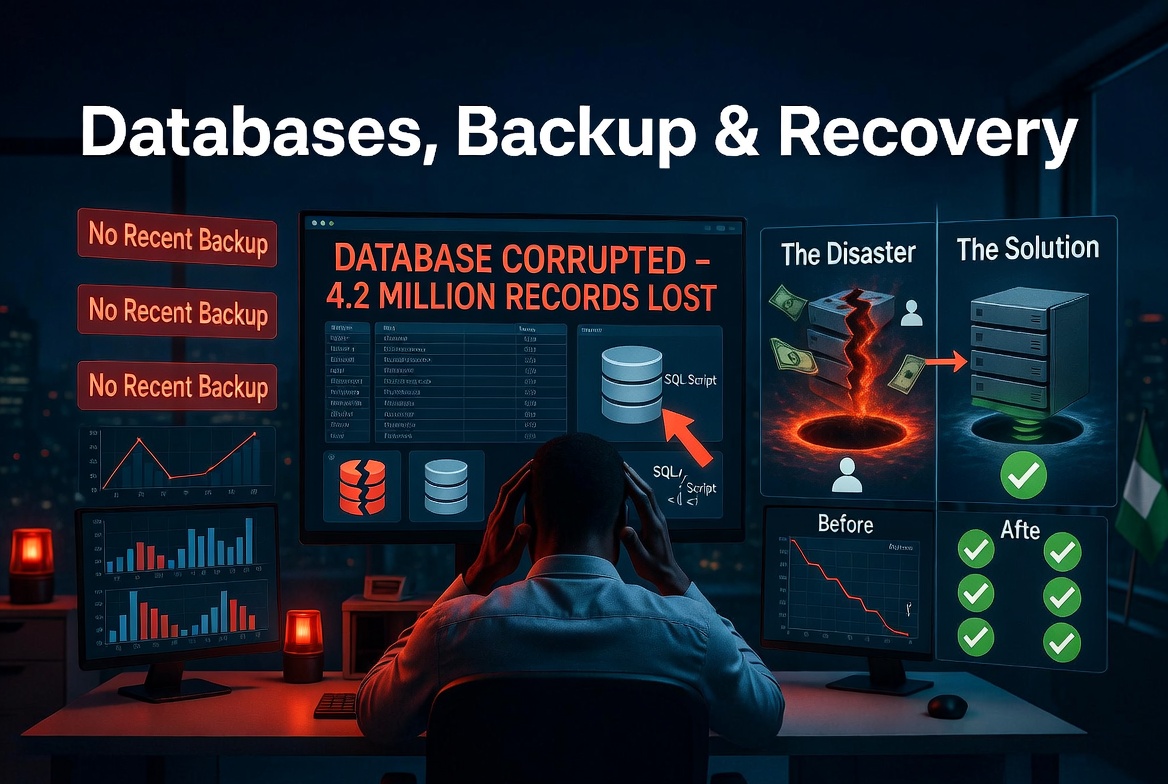
It looked like the database had been wiped clean.
Panic spread quickly across the office.
The support team reported hundreds of complaints from users who couldn’t find their accounts or past orders.
Developers began checking the application code, but everything seemed fine.
So Amaka went straight to the source.
The database.
She logged into the production server and ran a few queries.
Nothing.
Entire tables were empty.
It was as if the system had forgotten everything.
Her mind raced.
Was it a cyberattack?
A bug?
Or something worse?
She checked the logs carefully.
Then she saw it.
At 2:13 AM, an automated script had executed a command.
A destructive one.
It had overwritten critical tables during what was supposed to be a routine update.
A single mistake in a deployment script had replaced real data with empty structures.
The silence in the room became heavier.
Years of data… gone in seconds.
But Amaka wasn’t done.
She quickly checked the backup system.
Every well-designed database should have backups — copies of data stored securely in case something goes wrong.
Her heart pounded as she searched.
Then she found it.
A full backup from 1:00 AM.
Just over an hour before the failure.
There was hope.
She immediately began the recovery process.
Restoring a database isn’t instant. It requires careful steps to ensure data consistency.
Minute by minute, the system slowly came back to life.
First the tables reappeared.
Then the records.
Then the user accounts.
Finally, the order history.
By 10:30 AM, the platform was fully restored.
The company had lost some recent data, but the core system was saved.
Later that day, the team gathered to review what happened.
The lesson was clear.
Databases are powerful, but also fragile.
One wrong command, one faulty script, or one missed check can cause massive data loss.
That’s why backups, testing, and safeguards are not optional.
They are essential.
Because in technology, forgetting is easy.
But recovering… is what truly matters.